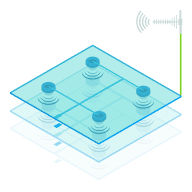
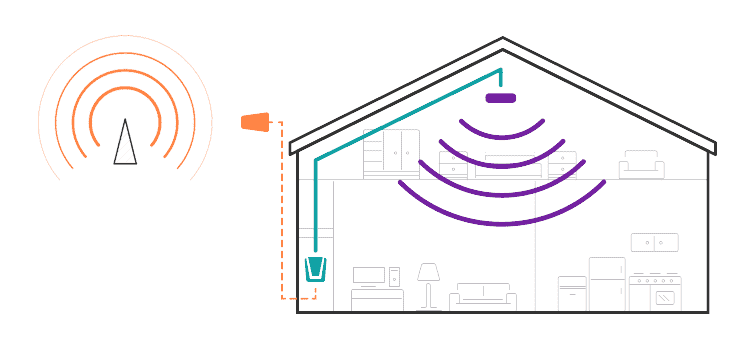
Coverage area depends on the signal strength outside your building.
If you have one bar of signal outside the building or on the roof, your cell phone amplifier will have a
significantly lower coverage area than if you have strong outdoor signal.
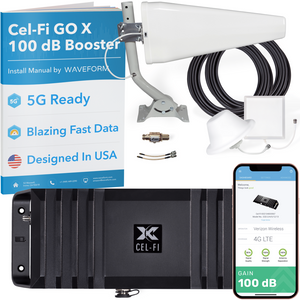
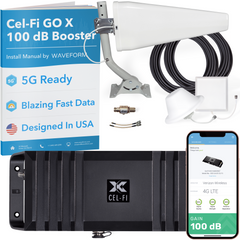
This cell phone signal booster will improve 2G voice and 3G data on all major North American carriers.
That includes AT&T, Verizon, T-Mobile, Sprint, US Cellular, and all Canadian carriers.
This cell phone signal booster does not support any 4G LTE bands.
4G LTE is used for high-speed data services. It won't affect your existing 4G LTE signals, but it won't amplify
them either.
This cell phone signal booster will improve 4G LTE data signals on all major North American carriers.
That includes AT&T, Verizon, T-Mobile, Sprint, US Cellular, and all Canadian carriers. 4G LTE is used for
high-speed data services, and will be used by many carriers in the near future for "HD Voice" service.